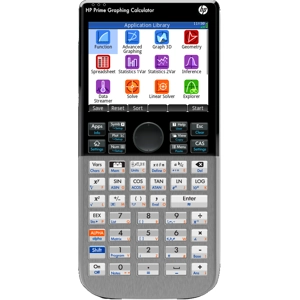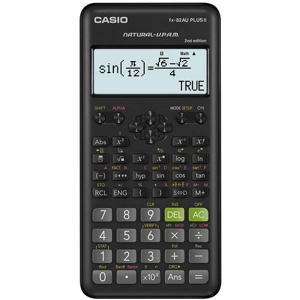
fx-82AU PLUS II 2nd edition - New Sealed Pack
$40.00
All schools' staff have free credit (use the order form): Pay 14 days after receiving order. GST receipt provided. No account setup required. Sales to the general public are via the shopping cart.
Read more...


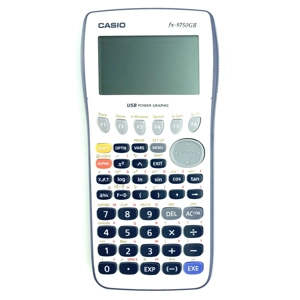
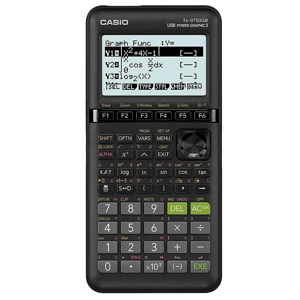
The Casio fx-9750GIII does all that the Casio fx-9860GIII can, using exactly the same key strokes.
The Casio software update page seen immediately below describes the fx-9750GIII as having exactly the same software upgrade as the fx-9860GIII
https://edu.casio.com/download_service/en/download/index.html
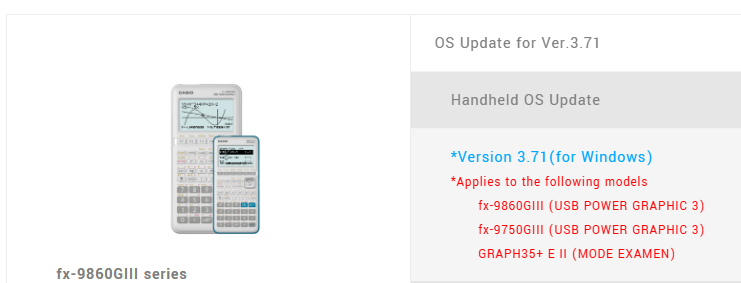
The following page explains that all variants of the fx-9750GIII and fx-9860GIII are approved for NCEA: https://www2.nzqa.govt.nz/ncea/student-assessment-hub/list-of-approved-calculators/
NZ schools have bought less than 10 of the fx-9860GIII from come-here.co.nz but they have bought more than 3,500 of the fx-9750G series from come-here.co.nz The fx-9750GIII is on NZ high school NCEA stationery lists. If the fx-9860GIII is on your school stationery list instead, that means you can buy the fx-9750GIII
The full Casio manual covers both model numbers, and is called "fx-9860GIII_9750GIII Soft Manual ver 3.40" at https://tinyurl.com/fx9750giii
The Casio fx-9750GIII is the same as the Casio fx-9860GIII , and uses exactly the same key presses, except that the fx-9750GIII has some extra features. If you search the manual for "9750GIII", you will find the following:


Of these differences, only the extra Input/Output mode (Mth/Mix mode) seems useful
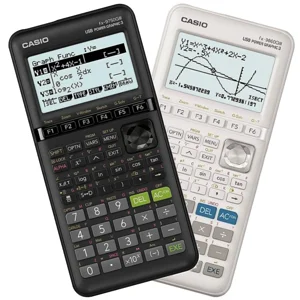
The fx-9750GIII is usually available in these colours:
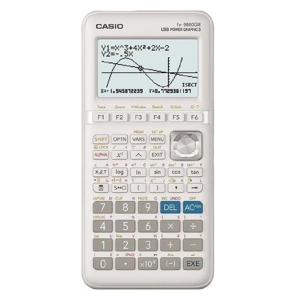
The fx-9860GIII is only available in white